
I was tasked with designing a meditation application for use by patients who do not receive the full 8 hours of sleep. The purpose of this exercise was not to design a fully-fledged meditation app, instead it was to showcase my design thinking process and to take the solution as far as I could in the short timeline I was given.
This section is all about discovering and understanding the user's needs, goals, and pain points. I set myself a few research goals before getting started.
I sent out a user using Google Forms and received 80 responses. Here is a summary of the average user’s characteristics:
Here’s what some of the users said when asked about thoughts on meditation.

I wish there was an app that was solely focused
sleep meditation.
I want something simple that targets my problems.
I have had trouble sleeping since I was 12 years old,
but there are hardly any resources out there.
I shouldn't have to pay to be able to sleep throughout
the night.

30 yrs old | Toronto, Canada | Consultant
These are the 3 digital meditation apps that came up most often in survey responses. My goal was to compare what features they had to offer in order to identify gaps and opportunities for improvement.


At this stage it was time to re-define my goal and narrow down its scope based on the insights I gained from users. Because of the short timeline for this exercise, I chose to focus on a single feature.
Users are looking for a simple, cost effective meditation application that is suitable for sleep.
To address the users pain points I decided to design a sleep meditation feature app. It would make the app a “one-stop-shop” to solve sleeping problems and everything associated around it. The planning feature would let
users like Katie:
Based on Katie’s goals and needs, the app should:
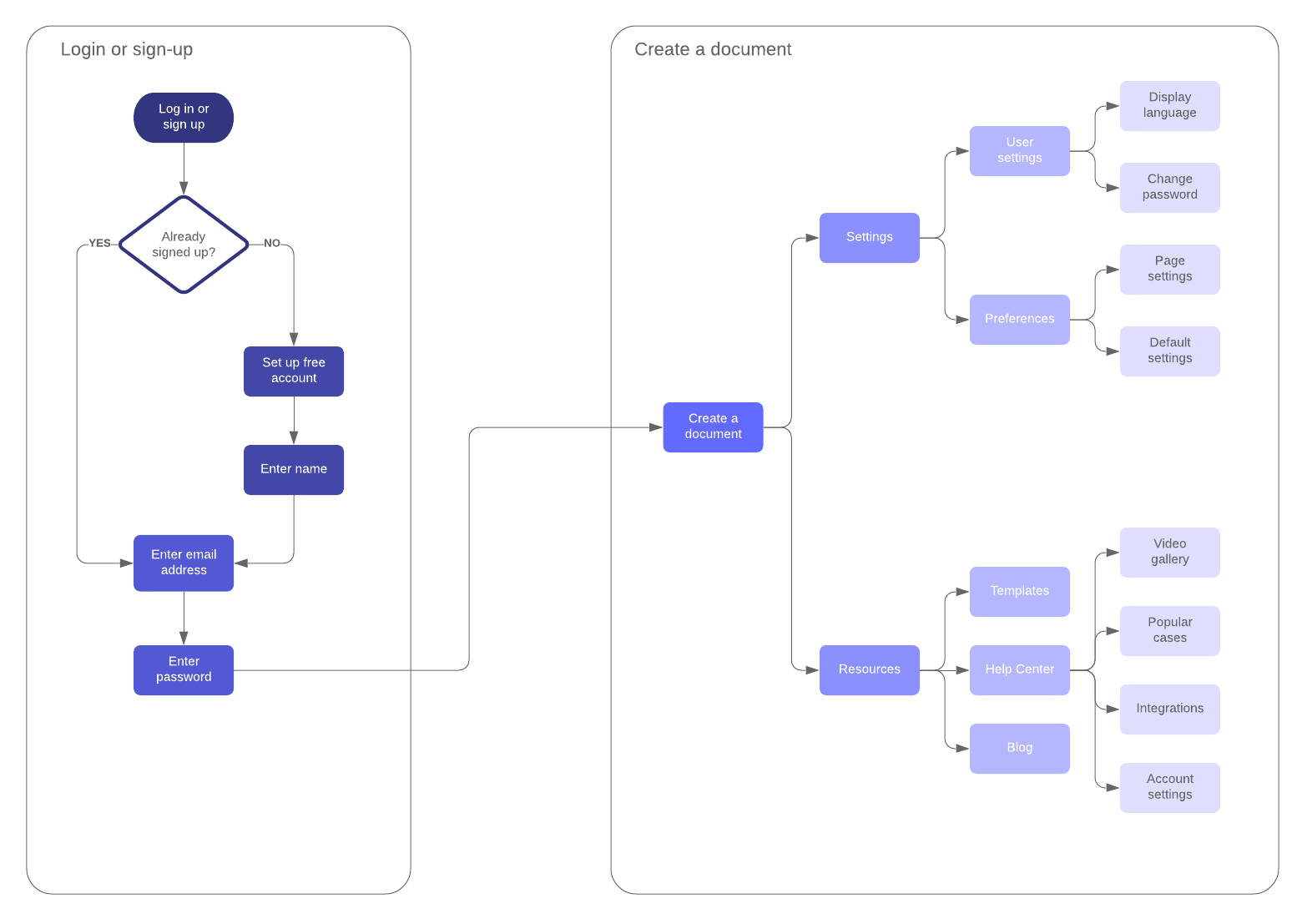
What steps Katie takes before, during and after her involvement with the app.
I wanted to be realistic in what I could achieve given the time limitations, so I decided to focus the solution on 2 aspects of meditation: sleeping sounds and user navigation.
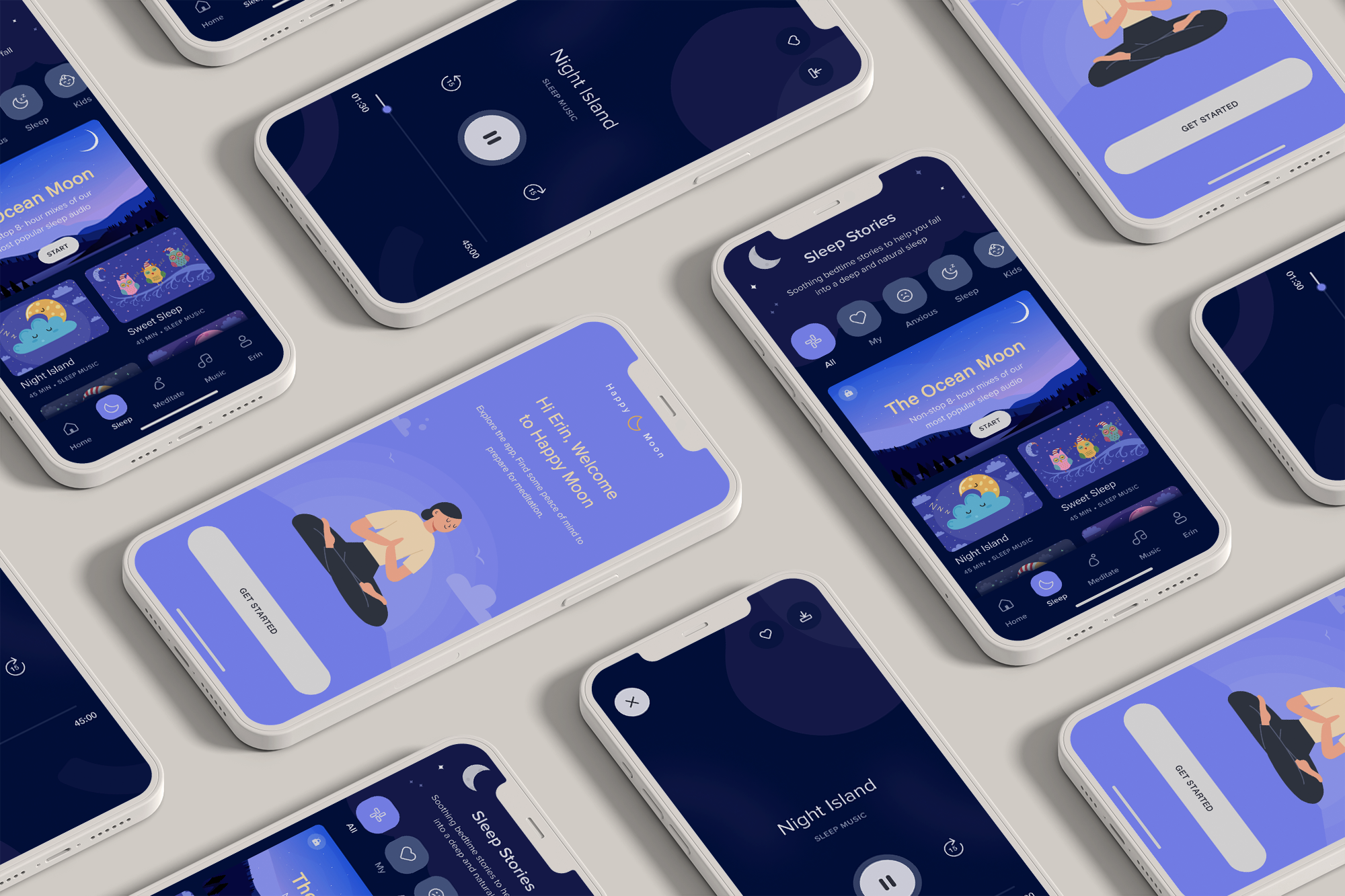
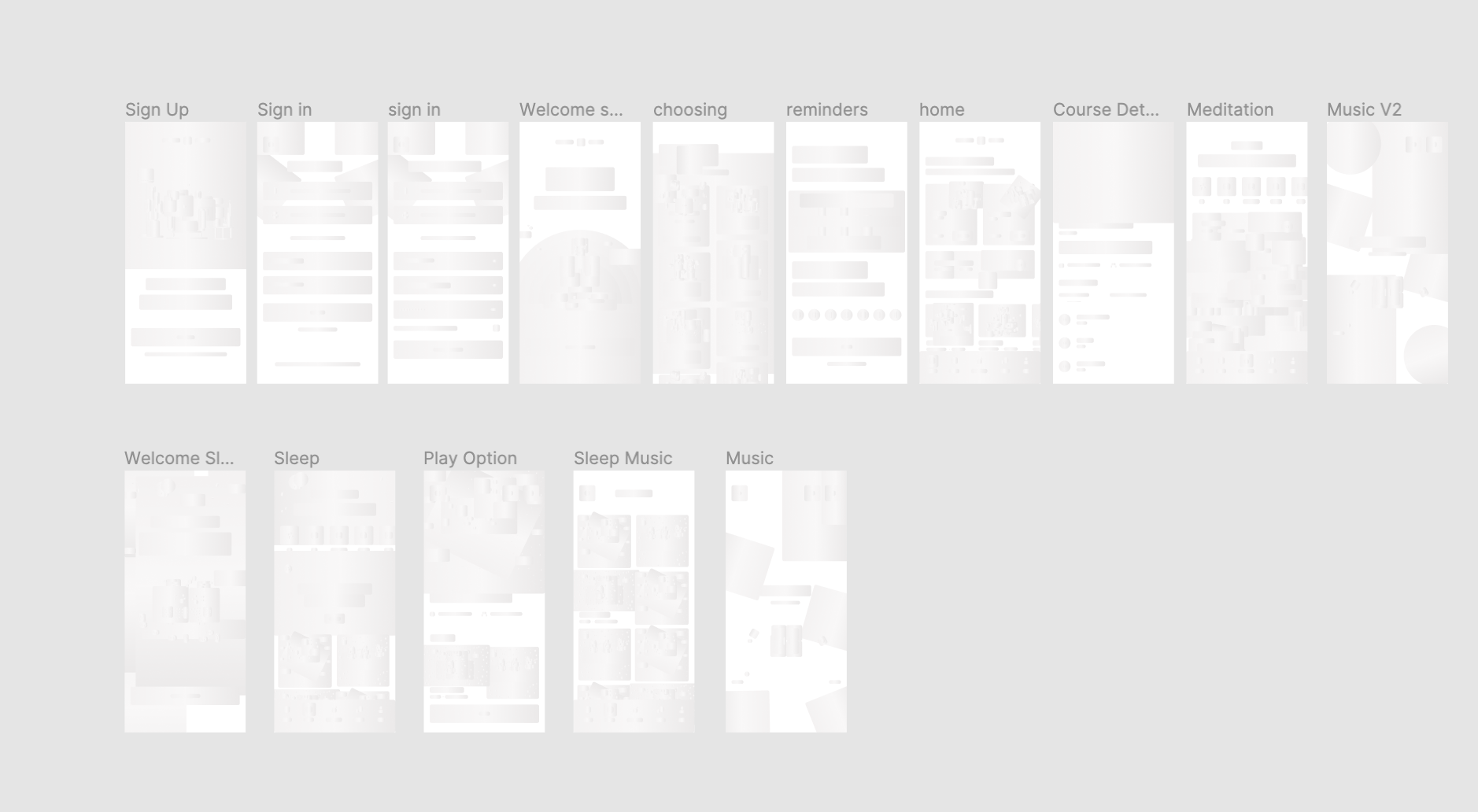
This section demonstrates the designed solution, from low-fidelity wireframes to a high-fidelity prototype. Figma was used as the design tool.
I designed some wireframes that focused on Katie’s goals and would allow her to:

All of these elements finally come together in the final designs. Users will begin with a login portal and be able to work from there.
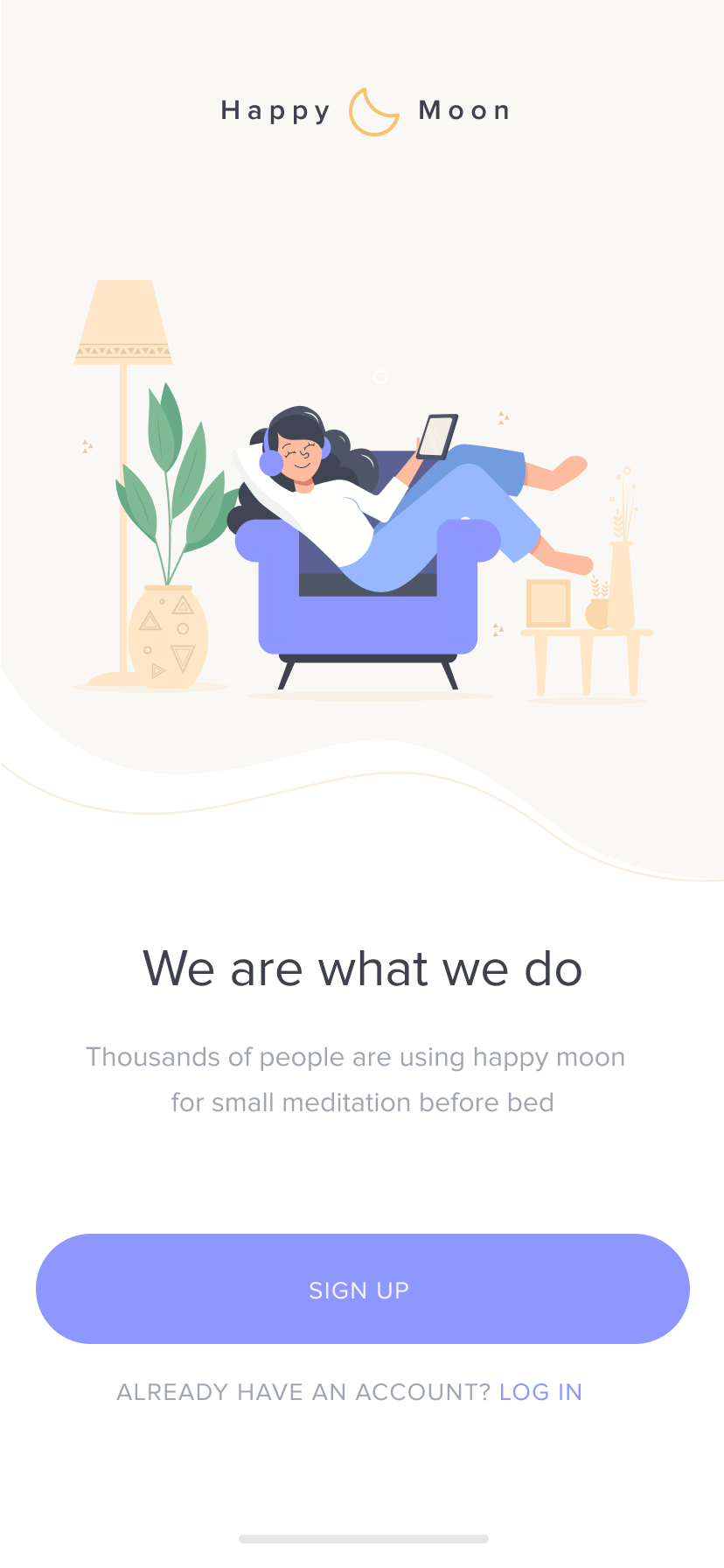


Research revealed that having multiple options is beneficial to the user. This feature let’s people use different meditations for different use.

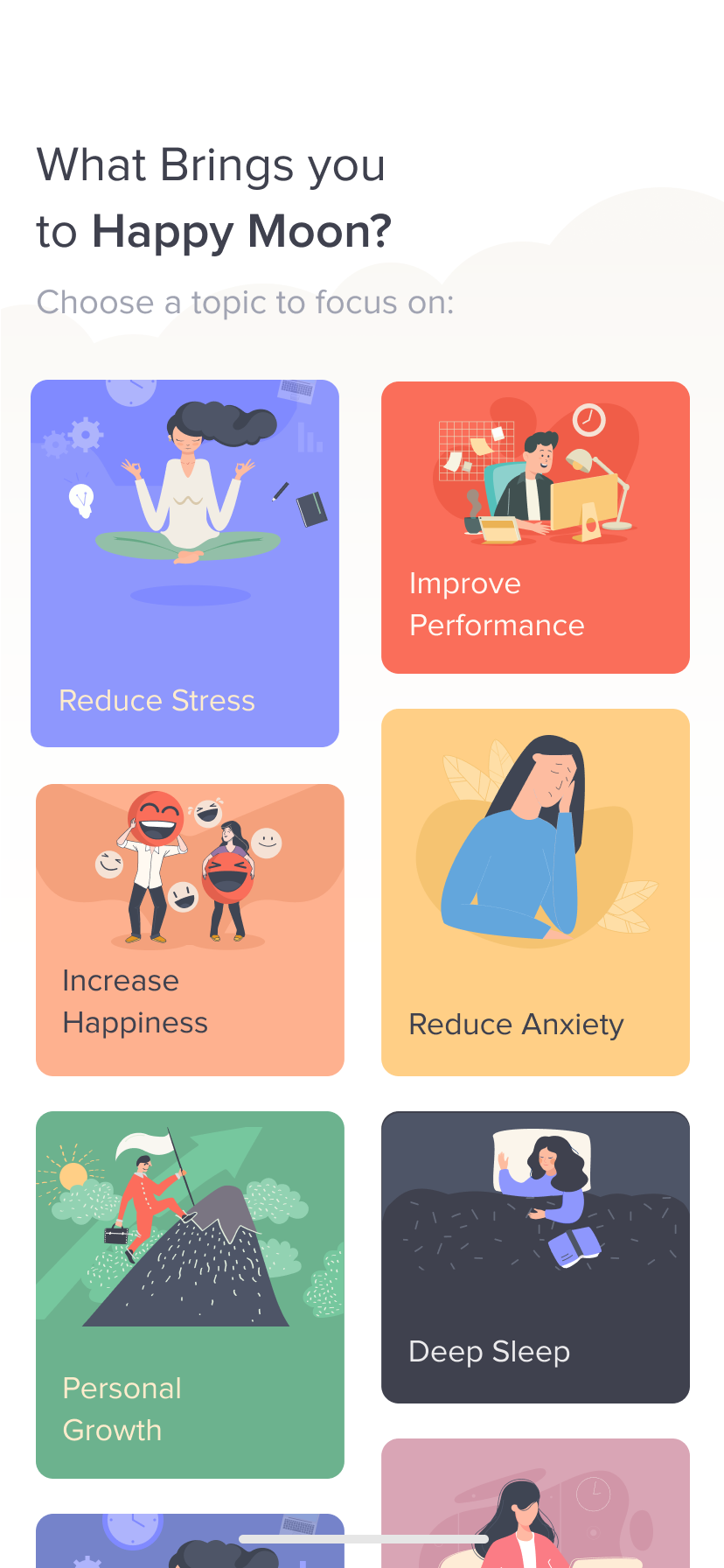

A scrolling tab bar keeps users engaged by allowing them to browse all meditations offered with ease. Users can research and plan all sleeping meditations ahead of tiime. They can come back when they’re ready to start.

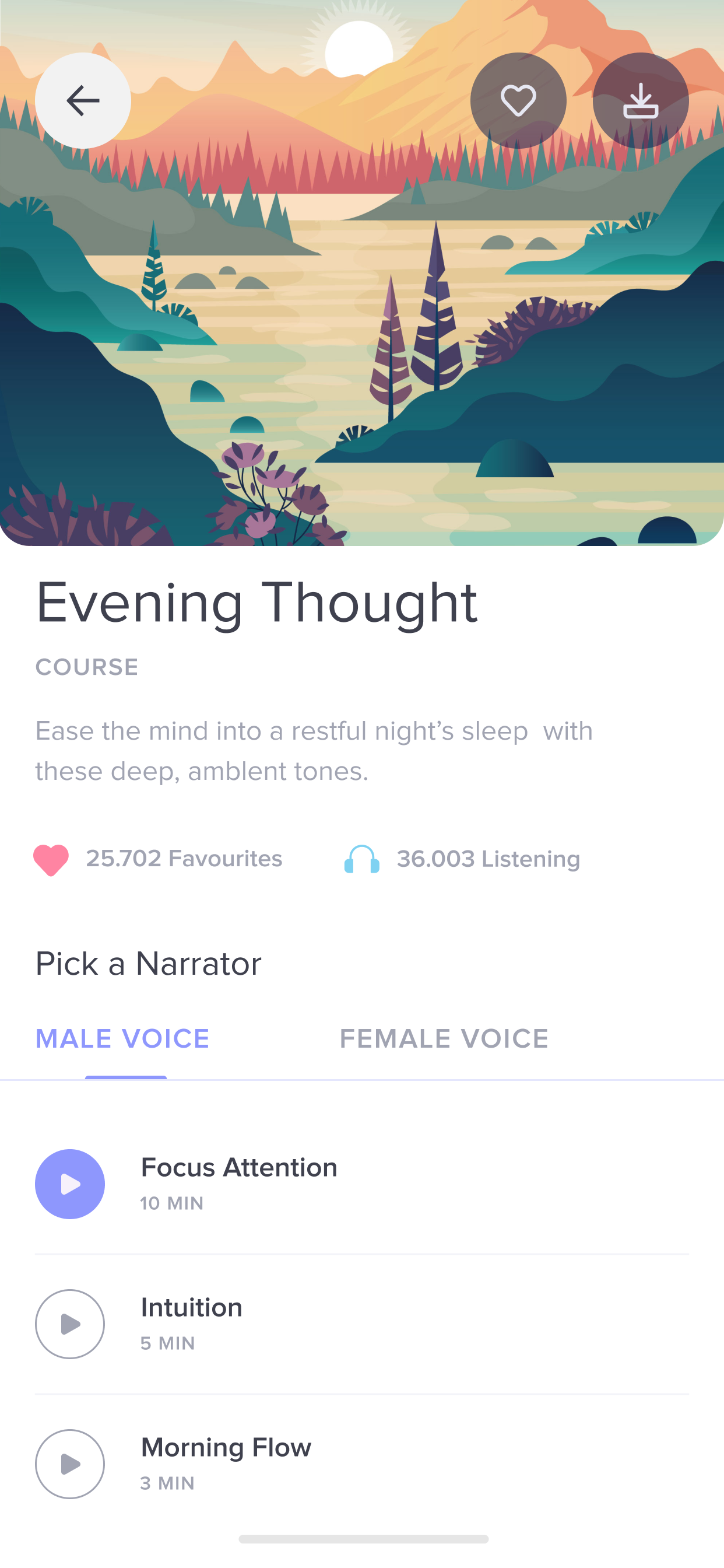
Users can discover different sleeping meditations that suit their individual needs.
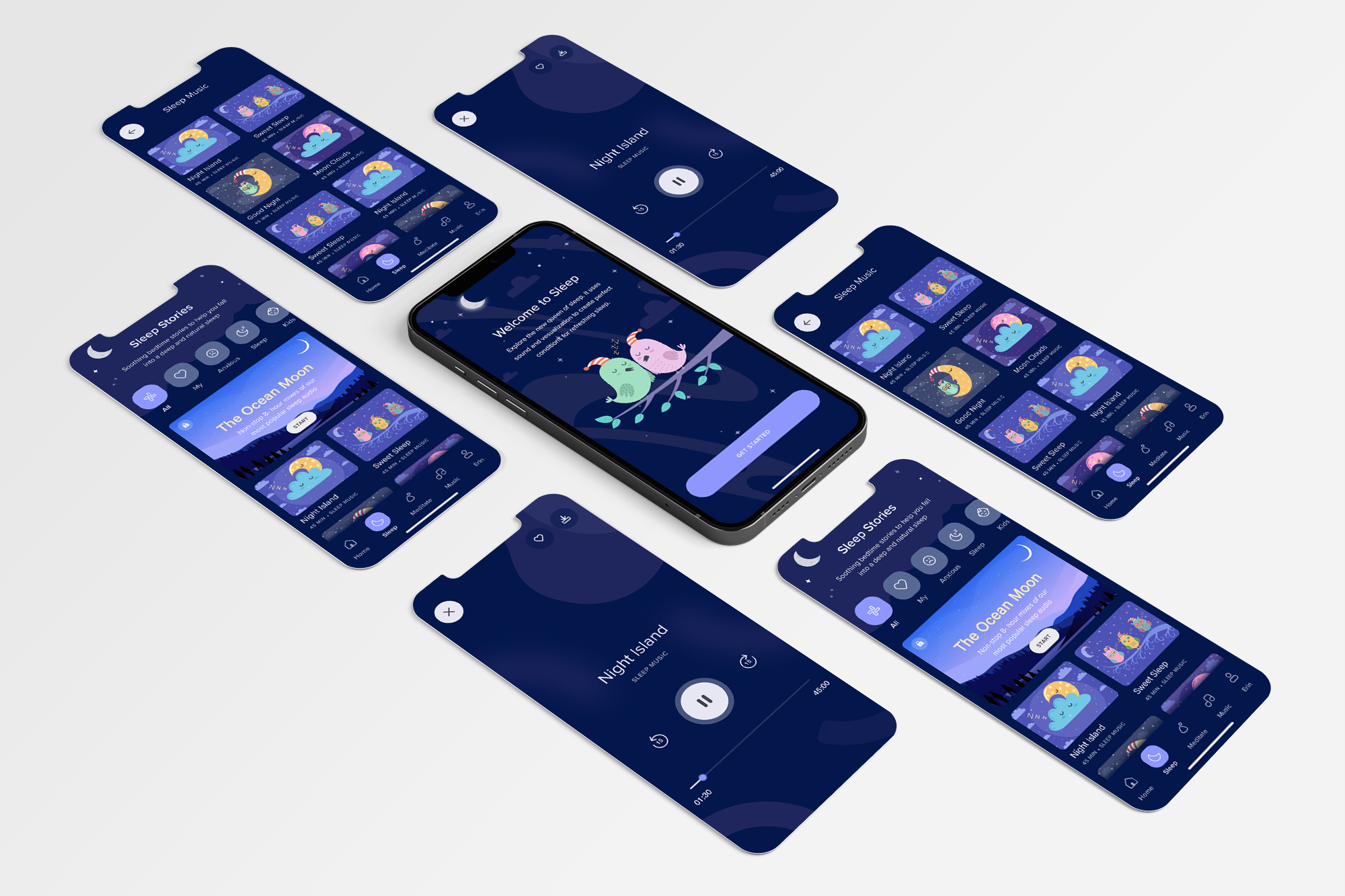
While carrying out this exercise I had to make assumptions and trade-offs in order to make progress and stick to the timeline. Here are a few of the constraints and trade-offs that I considered: